
FREE TEMPLATES
Infographics Templates
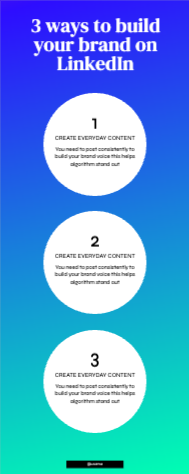
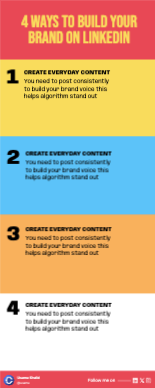
Browse Contentdrips’ library of ready-to-use infographics templates. Pick a design, drop in your data, apply your branding, and download — no design software, no learning curve.
Free to use · Auto branding on every template · 100+ infographics templates · No watermarks
Ready-to-Use Infographics Templates
No design tools. No downloads. Pick your infographics template, drop in your content, and you’re done.
17 templates
Free to customize in the editor

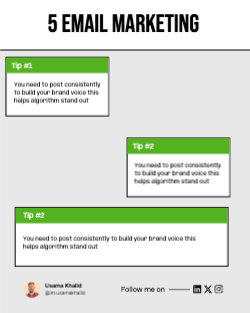
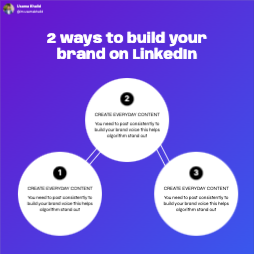
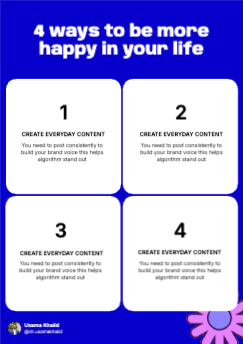
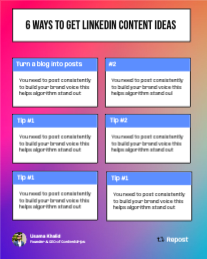
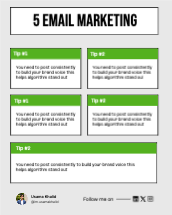
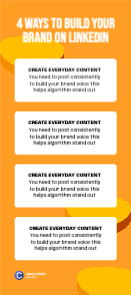
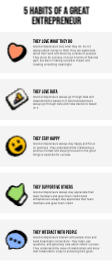
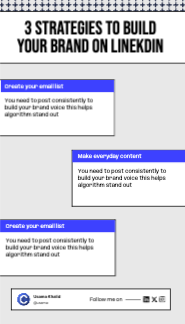
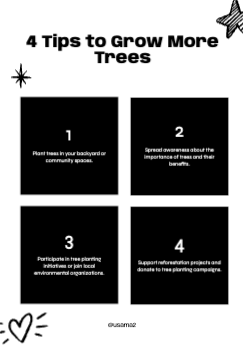


Create a Post From an Infographics Template in 3 Steps
No design software, no downloads, no learning curve. Pick your infographics template, drop in your content, and you are done.
Pick a Template
Browse the full infographics template library by style — minimal, data-heavy, icon-led, or timeline. Filter by category or format to find your fit fast.
Add Your Content & Brand
Type or paste your data, upload your logo or headshot, and match your brand colors in one click. Your branding is saved and applied to every infographics template automatically from that point on.
Download and Post
Export at 1080px — optimised for Instagram, LinkedIn, and the web. Or schedule it to post automatically without leaving Contentdrips.
What Makes a Good Infographics Template?
Not every infographics template performs the same way. The ones that stop the scroll share a few things in common.
High Contrast Layout
Legible at thumbnail size. It is the point where most users decide whether to tap and read.
Optimized Dimensions
Templates export at social media recommended dimensions for maximum reach.
Auto Branding Built In
Set your logo and color once. Every infographic template you build will include your branding automatically.
Designed to Get Saved
Templates export at social media recommended dimensions for maximum reach.
Who Is This Infographics Template Collection For?
This free infographics template collection is used across dozens of niches. Here is who gets the most out of it.
Content Creators
Stay consistent without burning out. Pull from the library and batch-create a week of posts from a single infographics template style.
SaaS Founders & Startups
Use a data-driven infographics template to share product stats, feature comparisons, and growth milestones in a format your audience will save and share.
Coaches & Consultants
Turn your frameworks and step-by-step processes into shareable infographics templates that build authority and attract followers from your target niche.
Social Media Managers
Apply different brand kits to the same infographics template for each client — consistent production, distinct results per account.
Educators & Trainers
Simplify complex topics using a visual infographics template your audience can absorb in seconds.
Marketing Teams
Produce on-brand visual content at scale. One infographics template. Infinite content.
Everything Included in the Free Infographics Template Plan
Professional Templates
Dozens of designer-built infographics template layouts, updated regularly with new styles.
Auto Branding
Upload your logo and brand colors once — appears automatically on every post you create.
Custom Colors & Fonts
Match your exact brand palette or choose from curated color schemes.
High-Resolution Export
Download at 1080px with no quality loss.
No Watermarks
Your posts look fully professional — no Contentdrips branding on your content, ever.
Post Scheduler
Schedule directly to Instagram and LinkedIn from the same tool.
Frequently Asked Questions
What is an infographics template?
An infographics template is a pre-designed graphic layout built specifically for presenting information visually. Instead of designing from scratch, you choose an infographics template, drop in your data or content, add your branding, and download a finished image which is ready to post or publish anywhere.
Are these infographics templates really free?
Yes. Contentdrips offers a free plan with access to a wide range of infographics templates — no credit card required and no watermarks on your downloads.
How is this different from a Canva infographics template?
Unlike Canva, Contentdrips auto-applies your branding to every infographics template you create. No manual resizing, re-uploading logos, or adjusting colors every time. Your brand kit is set once and applied everywhere.
What formats does each infographics template export in?
Every infographics template exports at 1080px, optimised for Instagram square and portrait, as well as LinkedIn and blog use.
Can I use the same infographics template for multiple clients?
Yes. Social media managers can apply different brand kits to the same infographics template, making it easy to produce on-brand content for multiple accounts at scale.
Do I need to download software to use an infographics template?
No. Everything runs in the browser. Pick your infographics template, edit, and download. No installs required.
Other Free Tools From Contentdrips
Instagram Carousel Templates
Multi-slide carousel posts for educational and storytelling content that drives saves and follows.
Browse Carousel TemplatesViral LinkedIn Text Posts
Generate complete posts with captions, hashtags, and visuals from a single prompt — no brief needed.
Browse LinkedIn Text PostsLinkedIn Post Templates
Repurpose your infographics template content into LinkedIn-optimised text and carousel posts in one click.
See LinkedIn TemplatesFind Your Infographics Template and Start Posting Today
No credit card required. Pick a free infographics template, add your branding, and download your first post in under two minutes. Rated 4.9/5 from 11 reviews · Free plan available · No watermarks · No software needed