
FREE TWITTER POST TEMPLATES
Twitter Post Templates
Browse 500+ free Twitter post templates. Pick one, make it yours in minutes, and start posting content that actually gets engagement.
100K+ Creators · 500+ Twitter Post Templates · 5-Minute Setup
500+ Free Twitter Post Templates. Ready to Use
Every Twitter post template in this library is built to Twitter’s ideal dimensions (1200 x 675px), tested for readability on desktop and mobile, and fully editable.
190 templates · page 10 of 10
Free to customize in the editor


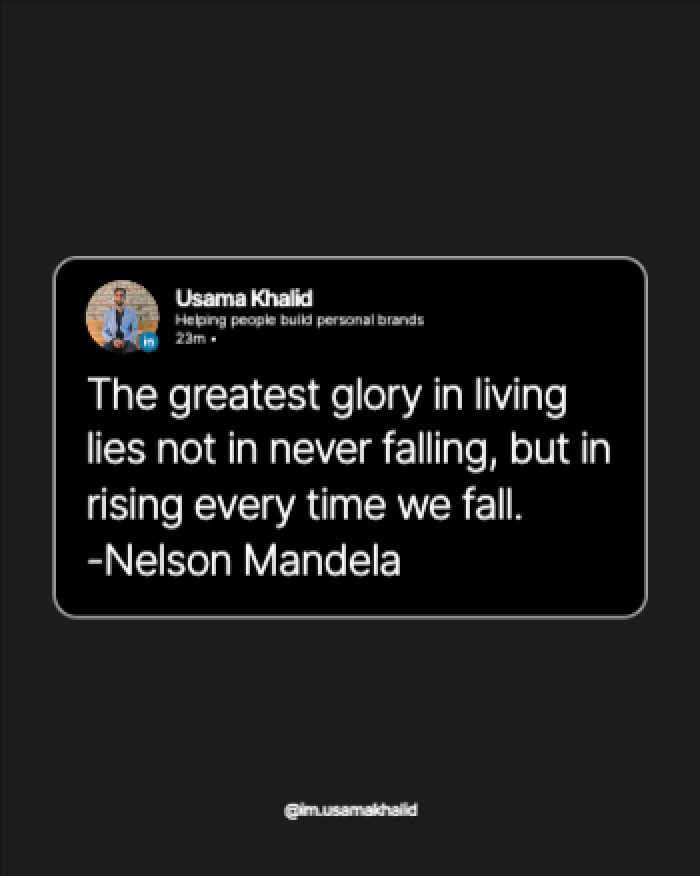
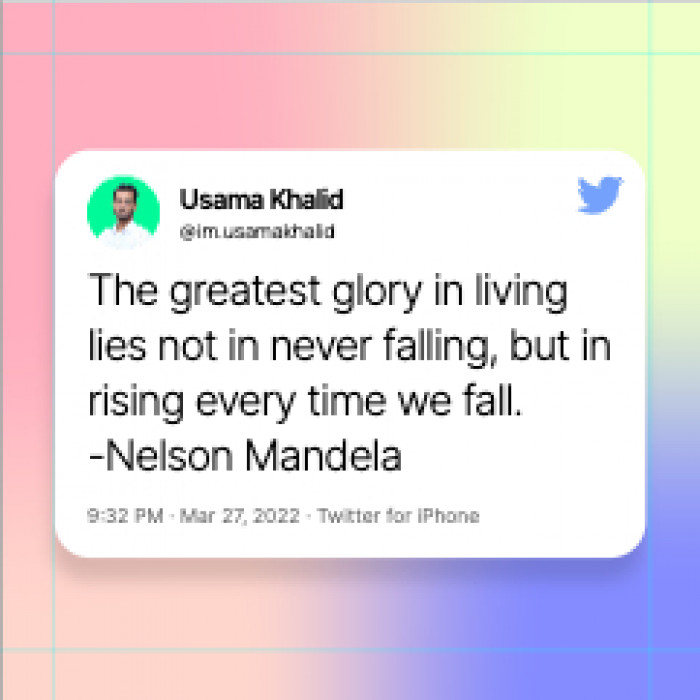
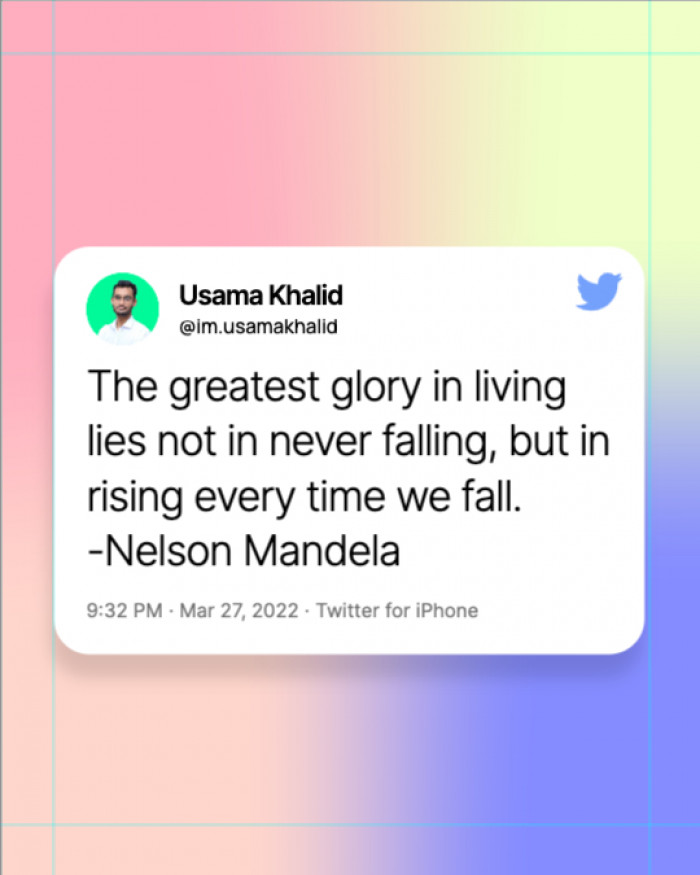
The Real Reason Your Twitter Post Template Isn't Converting
Most creators grab a Twitter post template and wonder why their engagement stays flat. The template isn’t always the problem. The following are.
Trying to say too many things
Every high-performing Twitter post communicates exactly one idea. Not your take, your counterpoint, your caveat, and your CTA all at once. One idea. Cut everything else.
Your visual doesn't match your copy
The best Twitter post templates align the design with the message. A bold claim needs bold typography. A data point needs a clean, minimal layout. Mismatched visuals kill credibility.
Designed for desktop, ignored on mobile
Over 80% of Twitter browsing happens on mobile. A Twitter post template that looks sharp on a 27-inch monitor can become completely unreadable on a phone screen.
Looks like everyone else in your niche
If you work in marketing or tech, hundreds of creators are using the same generic Twitter post templates. The best posts stand out from the visual pattern of your feed.
Haven't refreshed your style since you started
Your Twitter post template is one of the first things followers notice. If it still reflects where you were two years ago, it’s working against your current brand.
Using a template without customizing it
A Twitter post template is a starting point, not a finish line. The most effective posts start with a template but customize the headline, colors, and tone to match your actual voice.
The Twitter Post Template Generator That Does the Heavy Lifting
Paste your website URL or Twitter profile and the AI reads your brand, your colors, your tone, your positioning, and generates a Twitter post template matched specifically to you. Contentdrips does not just give you a blank Twitter post template. The AI reads your profile or website, extracts your brand colors, tone, and positioning, then generates a Twitter post template matched specifically to your style.
- Pulls your brand colors and fonts automatically from your website or profile
- Suggests copy direction based on what you actually post about
- Built to Twitter's ideal specs: 1200 x 675px, every time
- Optimized for desktop, mobile app, and mobile browser

What Makes a Twitter Post Template Actually Work
The principles behind every high-performing Twitter post design.
Use contrast deliberately
The human eye moves to contrast first. The best Twitter post templates use one high-contrast element: a bold headline, a bright color against a dark background, or a sharp image against a clean field to direct attention exactly where it matters.
Three-layer visual hierarchy
Layer one: the thing you notice first, usually the main statement. Layer two: supporting context, your credential or handle. Layer three: the CTA or social proof. More than three layers and the Twitter post template becomes unreadable.
Design for the thumbnail view
When your post appears in a retweet or a feed preview, Twitter shows a cropped version. The best Twitter post templates look intentional at that size and read clearly even when only part of the design is visible.
Treat text as a design element
Typography is doing design work, not just conveying information. Font weight, size, contrast, and letter spacing all determine how professional a Twitter post template looks in a crowded feed.
Built with safe zones pre-mapped
Some layouts crop unexpectedly across different devices. All Contentdrips Twitter post templates have safe zones pre-mapped so your most important content is always visible.
1200 x 675px — Ideal Twitter Specs
Every Twitter post template outputs at Twitter’s ideal image dimensions. No resizing, no cropping, no guessing. Optimized for desktop, mobile browser, and the Twitter app automatically.
How to Create a Twitter Post From a Template
Choose Your Template
Browse by category or use the AI generator. Every Twitter post template is pre-sized at 1200 x 675px with safe zones already mapped and your text won’t get cropped on any device.
Customize Your Text
Replace the placeholder copy with your actual statement, opinion, or hook. One clear line. What you believe, what you’ve learned, or what you want your audience to take away.
Apply Your Brand
If you’ve set up your brand kit, your colors and fonts apply automatically. If not, swap them manually. It takes under a minute.
Check the Mobile View
Before you publish, preview how your Twitter post template looks on mobile. The crop is different from desktop. Every template shows you both views before export.
Publish or Download
Connect your Twitter and publish directly. Or download the finished post at full resolution, 1200 x 675px, no watermark, ready to upload.
Proven Twitter Post Template Strategies
Pick based on what job your post needs to do, not just what looks nice.
The Bold Statement Template
Clean background, one large contrasting headline, minimal supporting text.
- Best for: Thought leaders, founders, opinion writers
The Data Point Template
One specific number dominates the visual. A real metric registers as proof and stops the scroll.
- Best for: Researchers, analysts, marketers, SaaS founders
The Personal Brand Story Template
Personal photo plus a transformation statement or mission, with a soft CTA underneath.
- Best for: Creators, career changers, coaches, consultants
The Social Proof Template
Featured logos, key metrics, or client results against a clean background.
- Best for: Anyone with credibility signals worth showing
The Engagement Prompt Template
A direct question or hot take formatted to invite replies. Bold typography, minimal design, maximum readability.
- Best for: Community builders and niche educators
Twitter Post Templates by Use Case and Goal
The right Twitter post template for a product launch looks nothing like the right one for a weekly opinion thread.
Announcement Posts
Bold colors, clear hierarchy, and a single action line. Your announcement needs to be understood in under two seconds. The right Twitter post template makes that happen without a wall of text.
Quote and Opinion Posts
Minimal layouts with strong typography dominate here. The goal is to let the words do the work. The Twitter post template should frame the copy, not compete with it.
Engagement and Poll Posts
High contrast, a clear question up front, and a CTA that invites a reply. These Twitter post templates are engineered to drive conversation, not just impressions.
Educational and Tip Posts
Structured layouts with numbered formats or icon rows help break down complex ideas at a glance. The right Twitter post template for this use case makes skimmability the priority.
Brand Awareness Posts
Consistent use of your logo, colors, and fonts across your Twitter post templates builds visual brand recall over time. Contentdrips brand kit applies all of this automatically.
Thread Teaser Posts
A single image designed to preview a thread or long-form content. Drives clicks by hinting at more. The Twitter post template format here prioritizes curiosity over completeness.
Product Launch Posts
Screenshot plus benefit headline plus social proof metric. Clean and specific. The Twitter post template for a launch needs to communicate value before the viewer scrolls past.
Repurposed Content Posts
Turn blog posts, YouTube videos, or newsletters into Twitter post templates that stand on their own. Contentdrips converts long-form content into visual posts in minutes.
Twitter Post Template Patterns That Are Actually Working Right Now
Real patterns from Contentdrips users generating the most engagement on Twitter.
The Metric Lead
One large, specific number dominates the post. Real specificity creates instant credibility. A real number registers as proof.
- Best for: Consultants, coaches, sales pros, founders with traction
The Niche Statement
One hyper-specific positioning line. Not ‘I help businesses grow’ but ‘I help bootstrapped SaaS founders reduce churn in 90 days.’ Immediately filters for the right audience.
- Best for: Freelancers, consultants, specialists, active lead generators
The Unpopular Opinion
A bold contrarian take formatted cleanly against a high-contrast background. Designed to spark replies and reach new audiences through quote tweets.
- Best for: Thought leaders, educators, community builders
The Minimal Authority
Almost nothing. Clean color field, small logo or handle, one bold line in a large confident font. Restraint signals confidence in a feed full of cluttered Twitter post templates.
- Best for: Senior executives and established thought leaders
The Carousel Teaser
A single image designed to preview a carousel or thread. Drives clicks by hinting at more. Every profile visit during a launch becomes a touchpoint.
- Best for: Anyone publishing long-form content or threads
The Credibility Stack
Logos of publications you write for, companies you’ve worked with, or associations you belong to. Social proof is immediate and visual.
- Best for: Contributors, consultants with impressive clients, credentialed professionals
What Creators Say About These Twitter Post Templates
★★★★★
“I posted the same opinion I’d shared before as plain text. With the Twitter post template, it got 4x more impressions in the first hour.”
CContent Strategist
22K followers
★★★★★
“The AI pulled my brand colors from my website and built a Twitter post template that looked like I’d paid a designer. Took four minutes.”
SSaaS Founder
contentdrips.com user
★★★★★
“Finally a library that actually accounts for mobile cropping. Every other Twitter post template tool had my text cut off on phones.”
EExecutive Coach
14K followers
Frequently Asked Questions About Twitter Post Templates
What is the correct size for a LinkedIn banner template?
The correct LinkedIn banner size is 1584 x 396 pixels with a maximum file size of 8MB. All templates in this library are pre-sized to these exact dimensions and export ready-to-upload.
Are these LinkedIn banner templates actually free?
Yes. The free plan includes access to hundreds of LinkedIn banner templates with full-resolution exports and no watermark. No credit card required.
How are these templates different from Canva?
Canva gives you a blank template you style entirely yourself. Contentdrips applies your brand automatically — your colors, fonts, and positioning — to every template. Plus the AI generator builds custom banners from your URL.
Can I use LinkedIn banner templates for a company page?
Yes. Every template works for both personal LinkedIn profiles and LinkedIn company pages. The dimensions are identical — 1584 x 396px.
Do the LinkedIn banner templates look good on mobile?
Every template is built with LinkedIn’s mobile crop zones pre-mapped. Your headline and key visuals stay visible on desktop, mobile browser, and the LinkedIn app.
Can I customize the templates without design experience?
Yes. Every template is fully drag-and-drop. Swap colors, update text, add your logo — done in under five minutes with no design skills.
What's the difference between a LinkedIn banner and a LinkedIn background photo?
They’re the same thing. LinkedIn uses different terms across its interface, but ‘LinkedIn banner,’ ‘LinkedIn background photo,’ and ‘LinkedIn background banner’ all refer to the same 1584 x 396px image at the top of your profile.
What sizes do LinkedIn banner templates come in besides personal profiles?
LinkedIn has different dimensions for different placements: Personal Profile (1584 x 396px), Company Page (1128 x 191px), Life Tab Cover (1128 x 376px), Event Banner (1600 x 900px), and Article Cover (1200 x 644px). Contentdrips has specialized templates for each.
What text should I actually put on my LinkedIn banner template?
Use five to fifteen words total. Hierarchy: primary headline (who you help or what you do, 5–8 words), optional secondary line (your credibility, 3–6 words), optional CTA (one action, 2–4 words). More than fifteen words becomes unreadable at banner size.
How often should I update my LinkedIn banner template?
At minimum once a year. The most effective LinkedIn professionals treat their banner like a retail window display — it reflects what is current and relevant. Every launch, new offer, milestone, or seasonal change is a reason to refresh.
Does my LinkedIn banner template affect search ranking or profile visibility?
LinkedIn’s algorithm doesn’t directly rank based on banner images. However, a strong banner increases time spent on your profile, which signals engagement. A banner with clear positioning text also reinforces how LinkedIn matches you to relevant searches.
Can I use the same LinkedIn banner template for multiple profiles?
Yes, with customization. If you manage multiple profiles, start from the same template but customize the headline and branding for each. Using identical banners across profiles looks automated and reduces credibility.
What is the best LinkedIn banner template for someone just starting out?
A clean personal brand template with your name, your target role or specialty, and one credibility signal. A clear, professional banner with minimal text consistently outperforms a cluttered one for first impressions.
Are free LinkedIn banner templates really free, or is there a catch?
Genuinely free. Hundreds of full-resolution templates (1584 x 396px) with zero watermarks, no credit card required, and a brand kit that saves your colors and fonts permanently. Paid plans add team collaboration and direct LinkedIn publishing, but the free templates are not limited versions.
More Social Media Templates
Explore more template categories built for Twitter and social media professionals.